C. SERVICE IDENTITY
ADDRESS
[email protected]
PurposeDevice-originated scans
DirectionOutbound only
Operated byHAD-COPY
Reply monitoredNo
Managed scan-to-email service
If a document arrived from [email protected], it was sent by a customer multifunction device configured to use HAD-COPY's managed SMTP service.
Trust receipt
ADDRESS
The address gives supported photocopiers a consistent, recognisable identity when they send a document. It is not a shared mailbox and replies are not monitored.
The customer's device creates the attachment and addresses the email. The SMTP service provides the managed route that carries it to the recipient.
A genuine service can still be used to send a scan to a mistyped address. If you were not expecting the document, confirm it with the apparent sender before opening it.
Behind the send button
A modern MFD can turn paper into a searchable, shareable document in seconds. The clever part is making the route dependable.
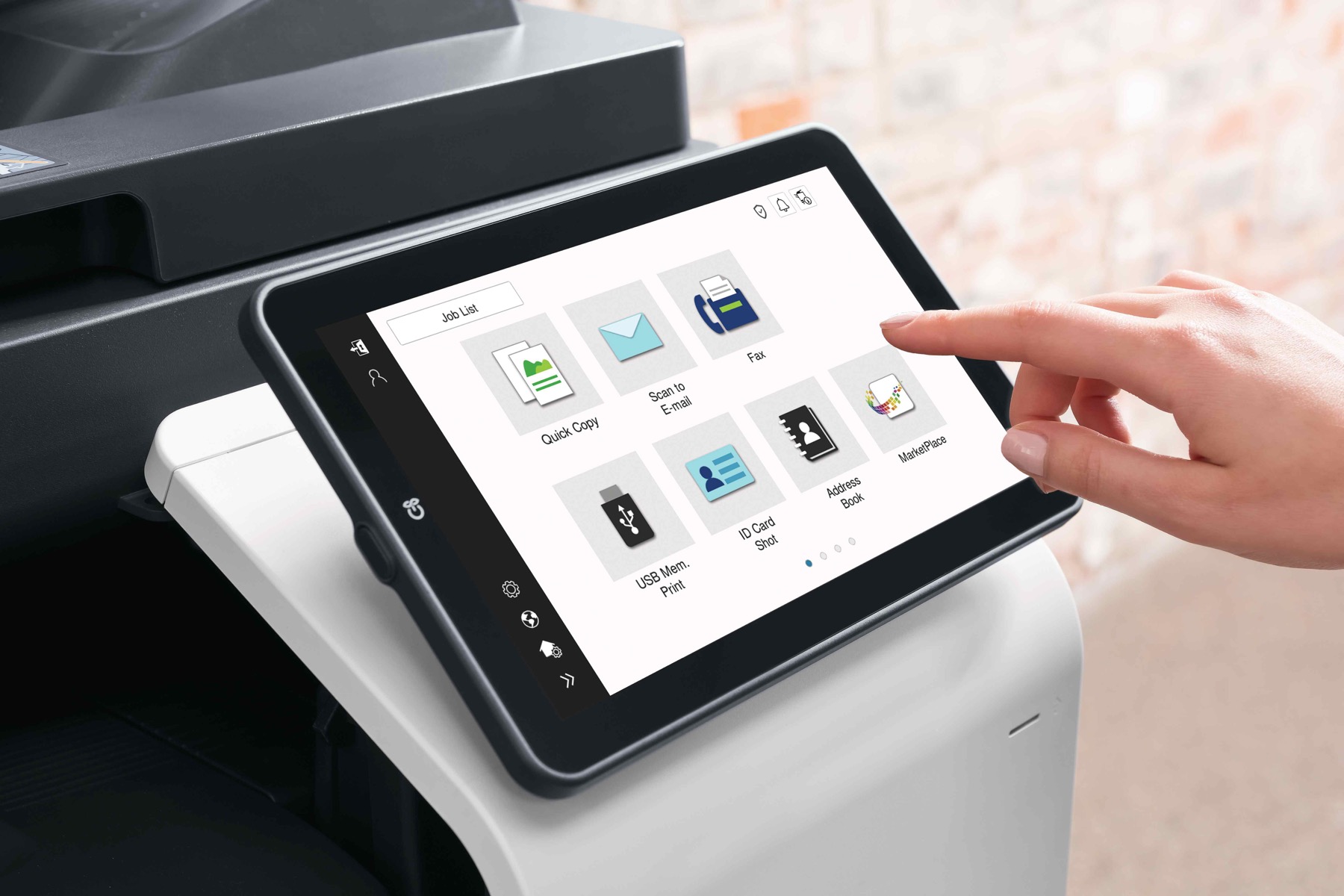
Place the originals, choose the recipient and scan settings, then press send. The device creates the PDF.
The configured device authenticates to the managed SMTP service, which accepts and routes the message.
The recipient receives a familiar email with the scan attached, ready to review, forward or file.
HAD-COPY managed SMTP
Email or shared folder?
Traditional scan-to-SMB saves files directly into a network share. That remains useful for controlled filing workflows, but email is often the simpler route when the destination is a person or team.
SMB is not inherently insecure: a current, correctly configured SMB environment can be an excellent choice. HAD-COPY starts with the workflow and recommends the route that fits.

Practical print, document and workflow solutions, backed by responsive local support.
Explore HAD-COPYOne group. More expertise.
Office equipment & managed print

Business IT & infrastructure

Bespoke print & branded materials

Technology repair & advice

A small reward for your curiosity
One suitable location from around the UK, selected daily through Pixabay, with one familiar four-legged favourite leading the rotation. The curated regional images remain ready as a reliable fallback. No tracking, no feed, just one good image each day.
Still curious?
Whether you need to verify a scan, configure a device or rethink a document workflow, the HAD-COPY team can help.